
Inspection notes
You can add notes both for the whole inspection and for individual rooms.
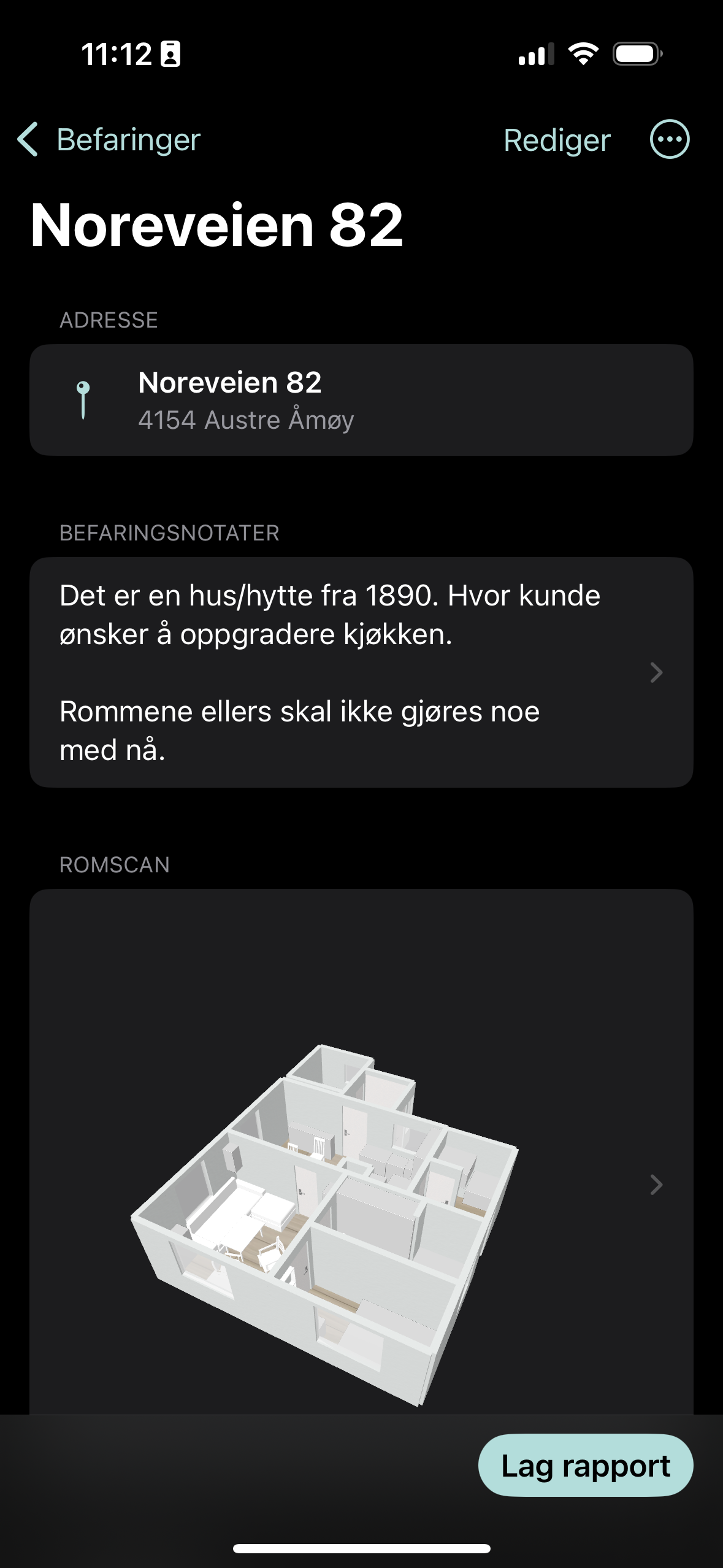
Inspection note (whole project)
- Open the inspection
- Tap the «Befaringsnotat» (Inspection note) text field at the top
- Write general observations about the whole project
- Tap «Lagre» (Save)
Room notes (per room)
- Select the room from the list
- Tap «Legg til notat» (Add note) or the text field
- Write room-specific observations
- Tap «Lagre» (Save)