
Adding photos
After the 3D scan is complete, you can add extra photos to document details.
Adding photos to a room
- Open the inspection
- Select the room from the list
- Tap the camera icon
- Take new photos
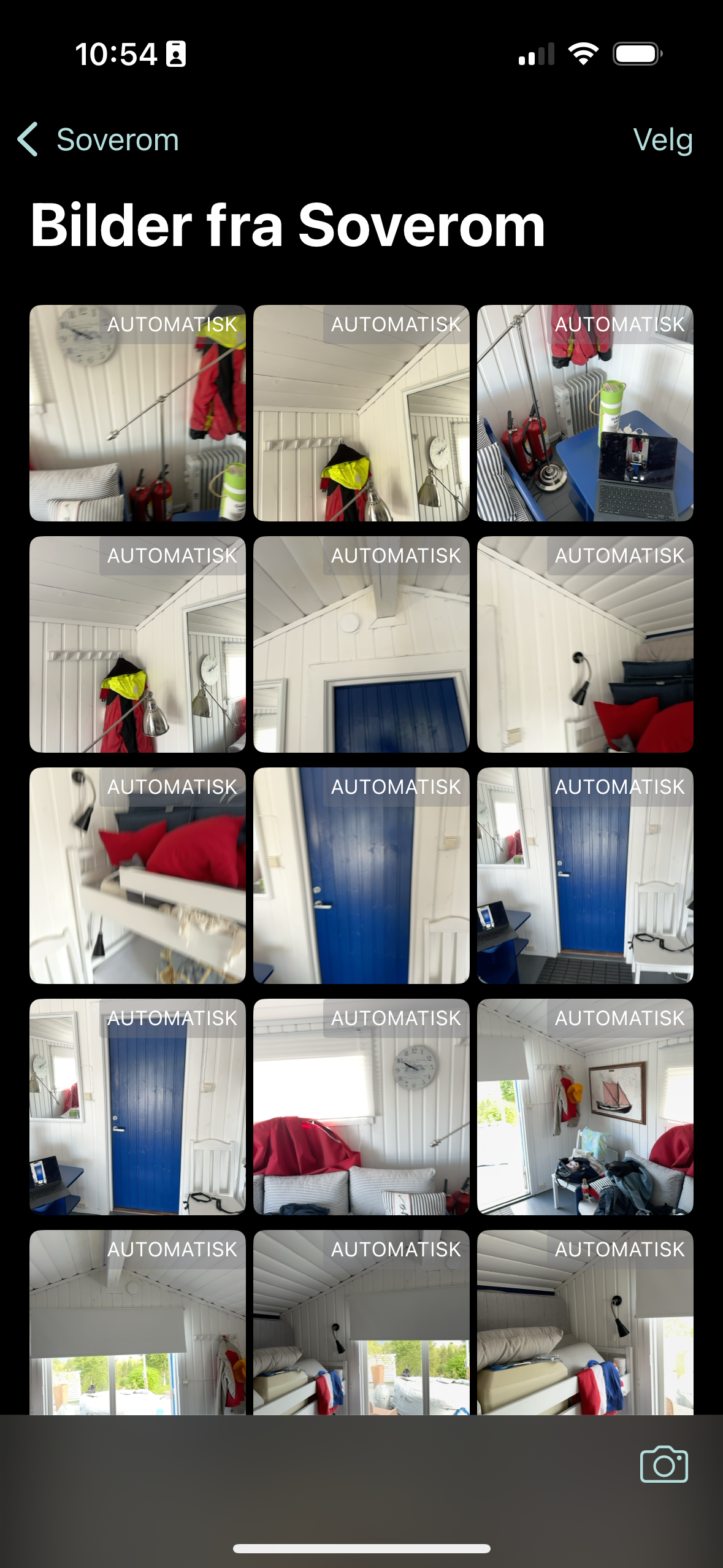
Managing photos
Tap a photo to view it full size. To delete several photos, tap «Velg» (Select) in the top right, mark the photos you want to remove and tap the trash icon.
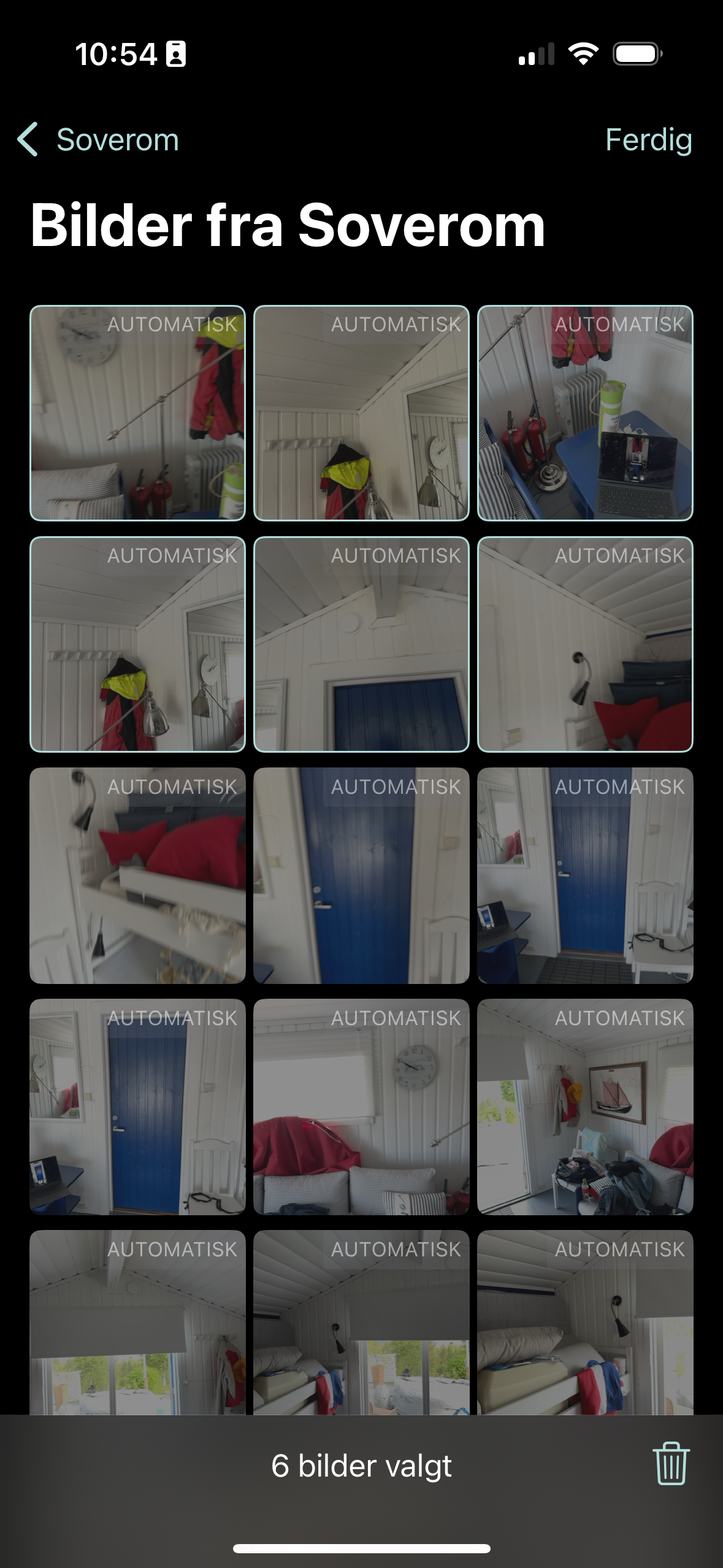
Photos in reports
All photos are included in PDF reports from the web application, organised by room.