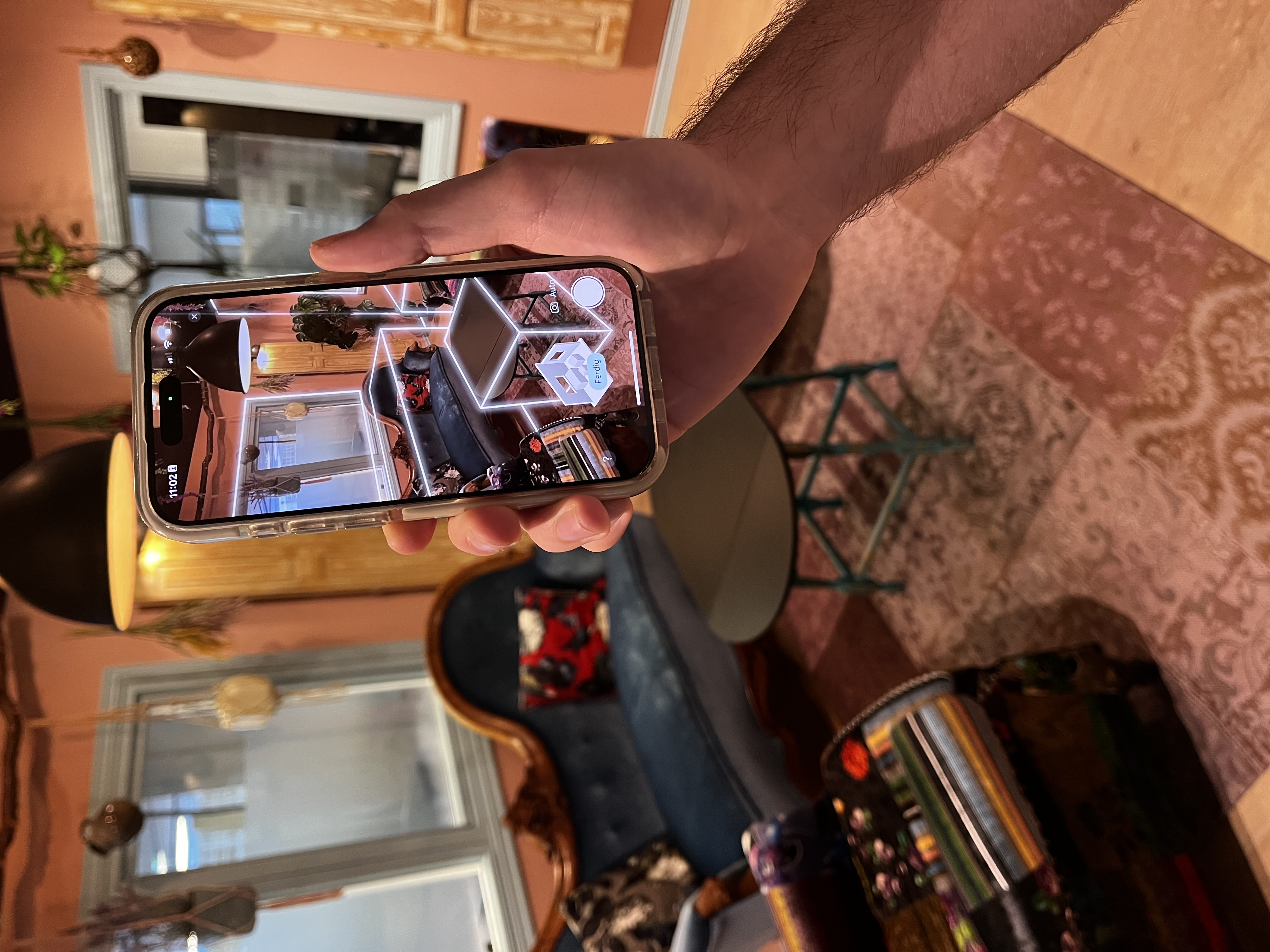
Taking photos during a scan
While scanning, you can take photos manually by tapping the round white button at the bottom right. These photos are marked with the «manuelt» (manual) label so you can easily tell them apart from automatic photos.
You can turn automatic photos on and off — the choice is remembered for the next scan.